


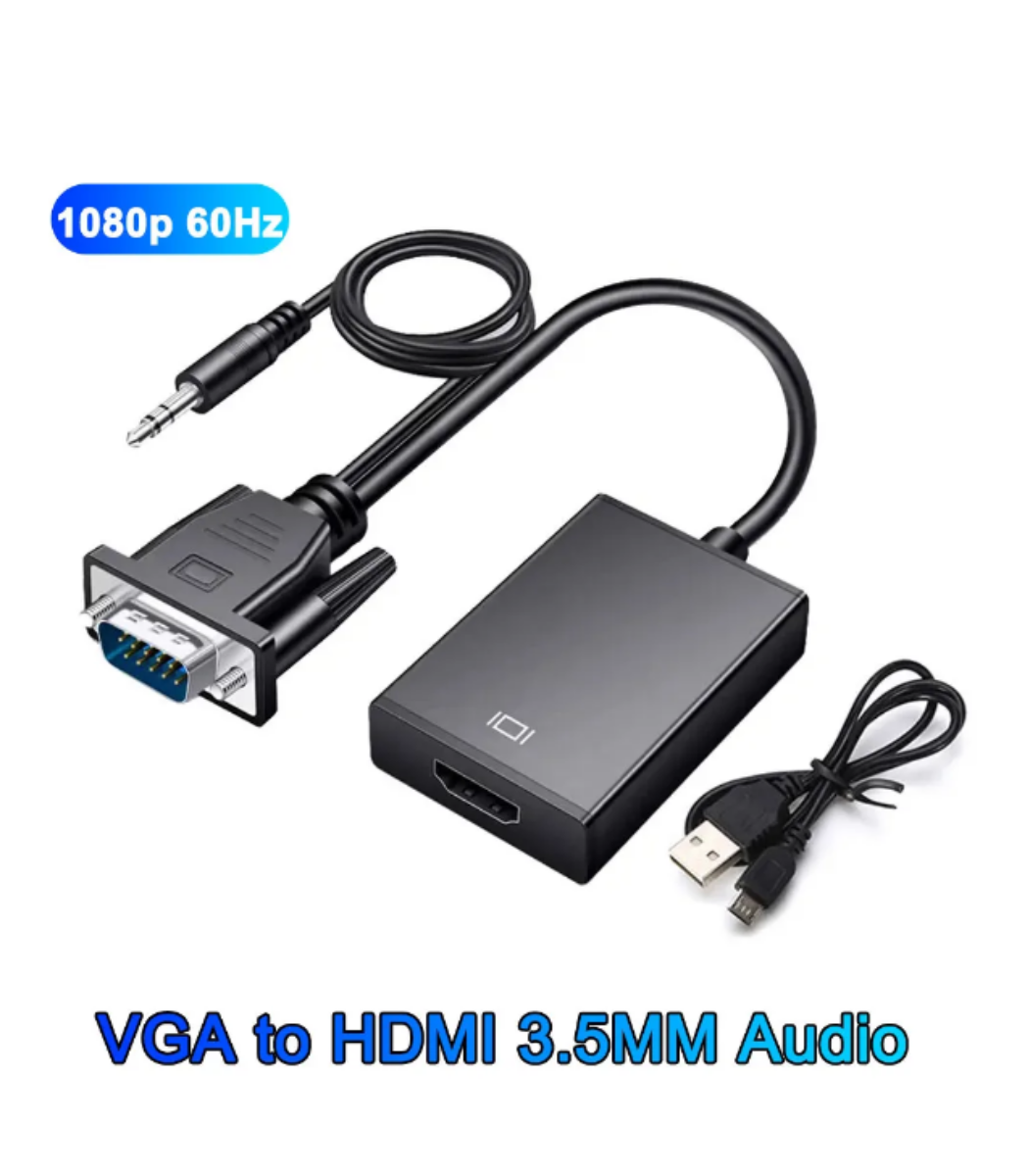

VGA to HDMI Converter Box
Original price was: ₨ 1,800.₨ 1,430Current price is: ₨ 1,430.
- VGA to HDMI Converter Box for enhanced display connectivity
- Transforms VGA signals into high-definition HDMI output
- Ideal for connecting VGA devices to modern HDMI displays, projectors, or TVs
- Compact and user-friendly design for easy setup
- Perfect for presentations, home entertainment, and extending the life of VGA devices
The VGA to HDMI Converter Box allows you to connect older VGA devices (like laptops, desktops, or media players) to modern HDMI displays, TVs, or projectors. This device converts analog VGA video signals to digital HDMI output, making it perfect for presentations, classrooms, offices, and home entertainment setups.
🔑 Key Features
-
VGA to HDMI Conversion
Converts VGA video signals to HDMI, allowing older devices to work with modern displays. -
Audio Support via 3.5mm Input
VGA carries video only; the included 3.5mm audio input lets you transmit sound through HDMI. -
High-Resolution Output
Supports up to 1080p Full HD for clear and sharp video. -
Plug & Play
Easy setup — no drivers required. -
USB-Powered
Many models use a USB cable for stable power and conversion. -
Compact & Portable
Small and lightweight design makes it easy to carry or use in different setups. -
LED Indicator
Displays power and connection status for quick troubleshooting.
📦 Package Includes
-
VGA to HDMI Converter Box
-
USB Power Cable
-
3.5mm Audio Cable (if included)
-
User Manual
🎯 Typical Uses
-
Connect VGA-only laptops or PCs to HDMI TVs, monitors, or projectors
-
Classroom or office presentations
-
Home entertainment and gaming setups
-
Converting older devices to work with modern HDMI displays
📌 Notes
-
VGA carries video only, audio must be connected separately.
-
Ensure USB power is connected if required by the device.


Related products

USB 3.0 4-Port Hub
- High-Speed Data Transfer: USB 3.0 technology ensures rapid data transfer for efficient device management.
- 4-Port Convenience: Expand your connectivity options with four USB 3.0 ports, accommodating multiple devices.
- Compact and Portable: Designed for portability, this hub is compact and easy to carry for on-the-go connectivity.
- Plug-and-Play: Hassle-free setup with no additional drivers required, allowing quick and easy installation.
- Universal Compatibility: Compatible with various USB-enabled devices, ensuring versatile usage.
- Sturdy Construction: Durable design for long-lasting performance, withstanding daily use.
- LED Indicator: Convenient LED indicator lights show the active status of each USB port.
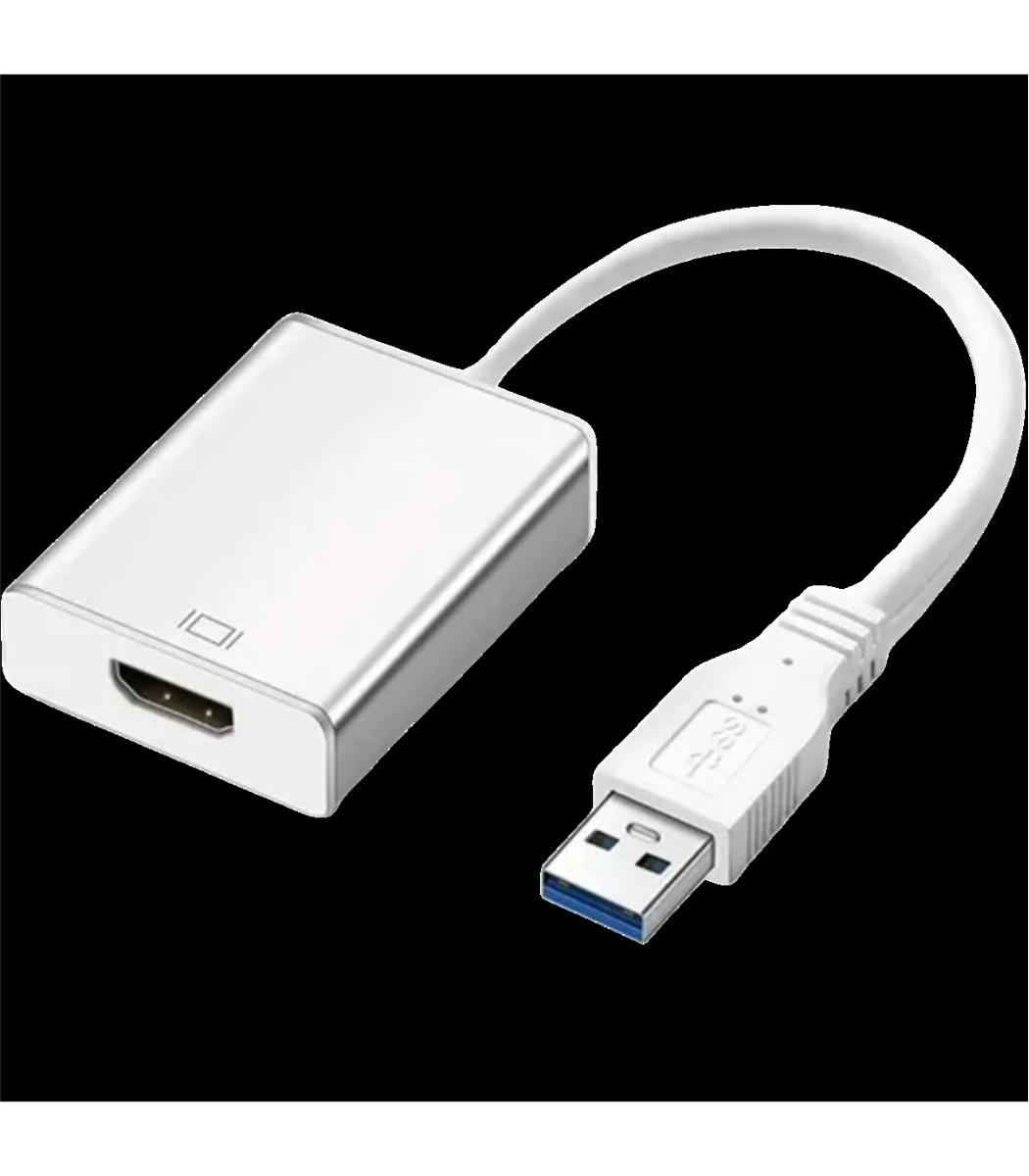
USB 3.0 to HDMI Cable
- Connector Type: USB 3.0 to HDMI
- Audio Support: Yes
- High-Speed Data Transfer: USB 3.0 technology for rapid and reliable connectivity
- Plug-and-Play: Simple and straightforward setup
- Compatibility: Versatile compatibility with various devices
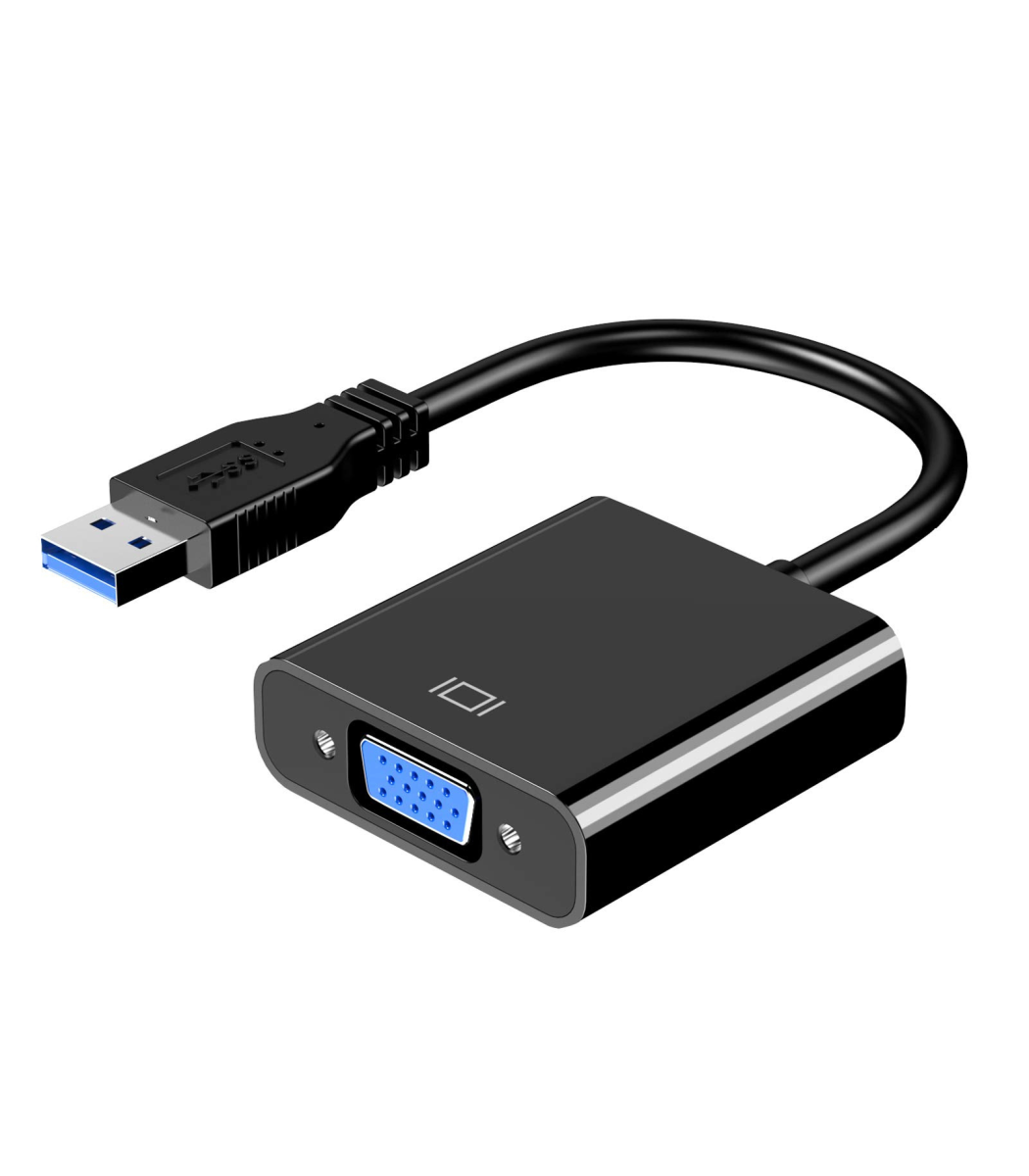
USB 3.0 to VGA Adapter
- USB 3.0 to VGA adapter for high-resolution display connectivity
- Supports video resolutions up to [Specify resolution]
- Plug-and-play design for quick and easy installation
- Compatible with Windows and Mac operating systems
- Perfect for presentations, dual-monitor setups, and more
- Compact and portable for on-the-go use
- Durable construction for long-lasting performance
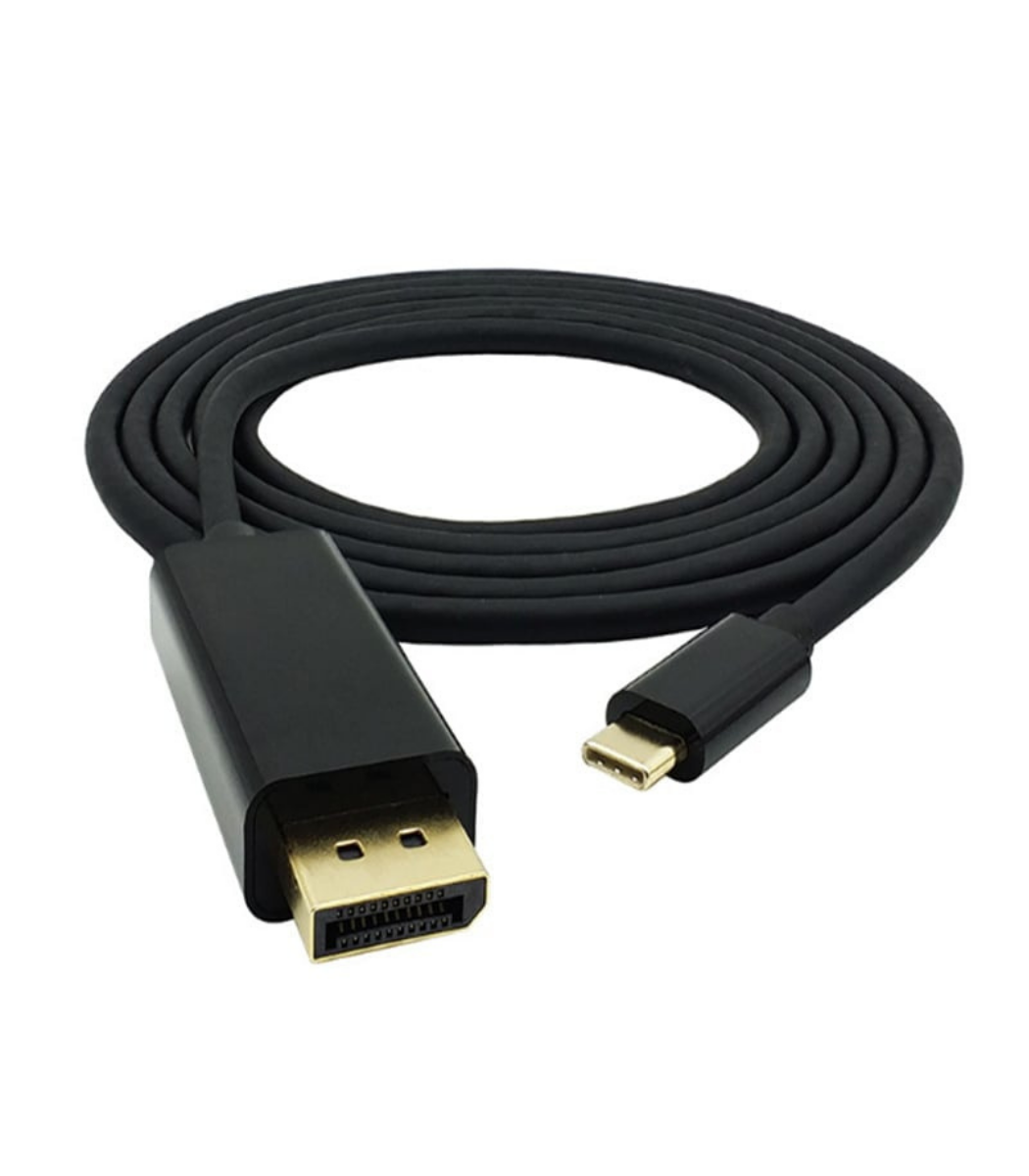
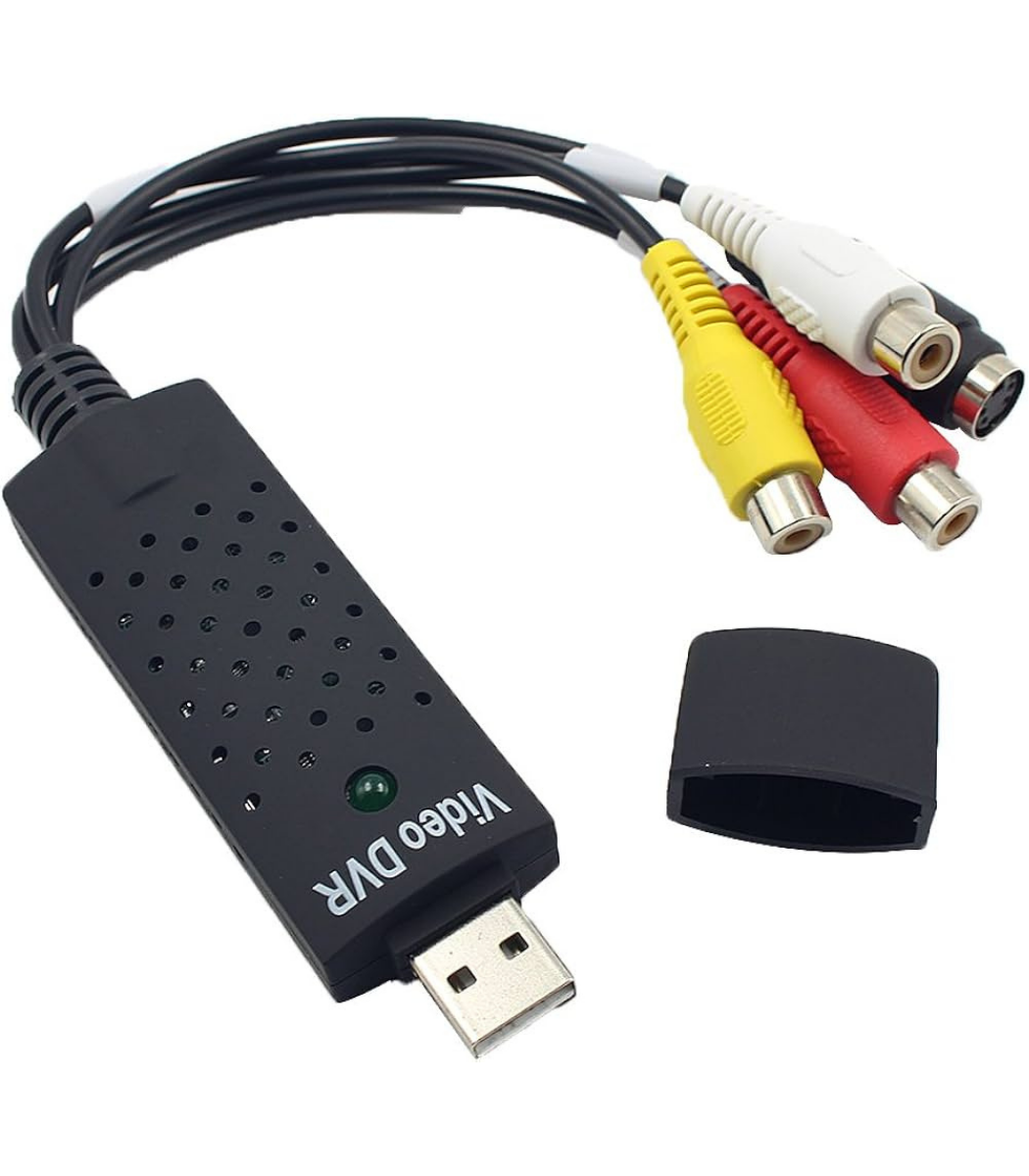
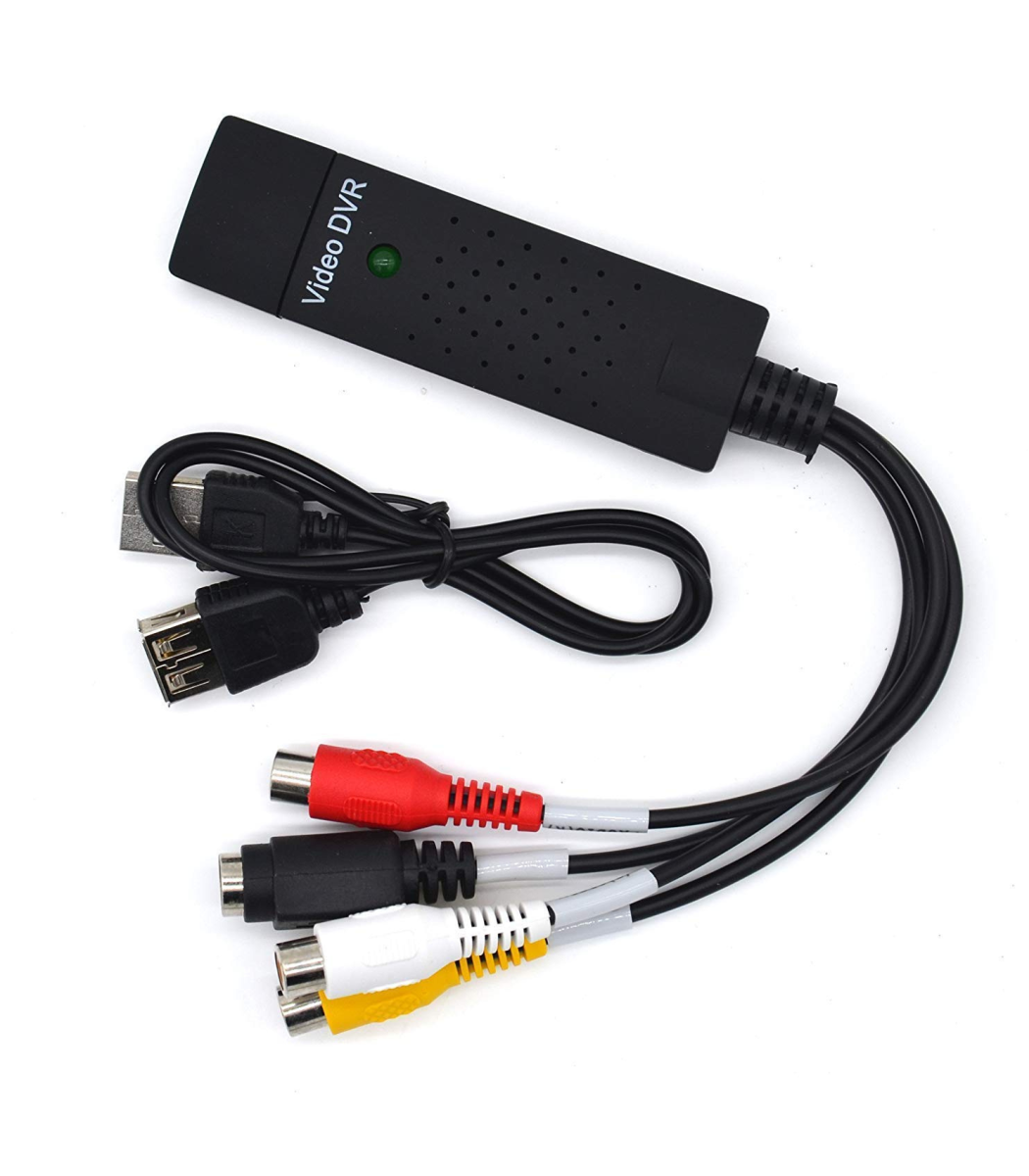
USB EasyCapture Card
- Plug-and-Play Ease: Effortless setup with plug-and-play functionality, eliminating the need for complex installations or additional drivers.
- Versatile Connectivity: Compatible with a range of USB-enabled devices, offering flexibility for capturing content from cameras, gaming consoles, and more.
- High-Quality Capture: Capture and record in high-resolution, ensuring crisp and clear audio and video output for your content.
- Real-Time Streaming: Stream your content in real-time with minimal latency, whether it’s gaming sessions, presentations, or video content.

USB3.1 Type C TO VGA Converter
- This USB type c male connector to vga female adapter is specially designed for 2015 new apple macbook 12 inch laptop to mirror your display to your vga-enabled projector or display
- This USB-c type c male to vga adapter allows to stream your content in your macbook to larger screen with the max resolution up to 1080p, the final resolution is decided by the resolution of your vga-enabled devices
- The new macbook USB type c to vga adaptor adopted high-end alloy aluminum case and same surface finish with your macbook so it will be a perfect complement for your macbook
- This USB 3.1 type c to vga 1080p HDtv adapter used 24k gold-plated port to provide strong rigidity and improve the signal transmission performance, which has been experienced 10000 times plug test to ensure stable signal transmission and durability
- Simply connect the adapter to the type c port on your macbook and then to your vga-enabled devices via a vga cable(not included), no driver needed, low profile and light-weight adapter is easy for you to carry
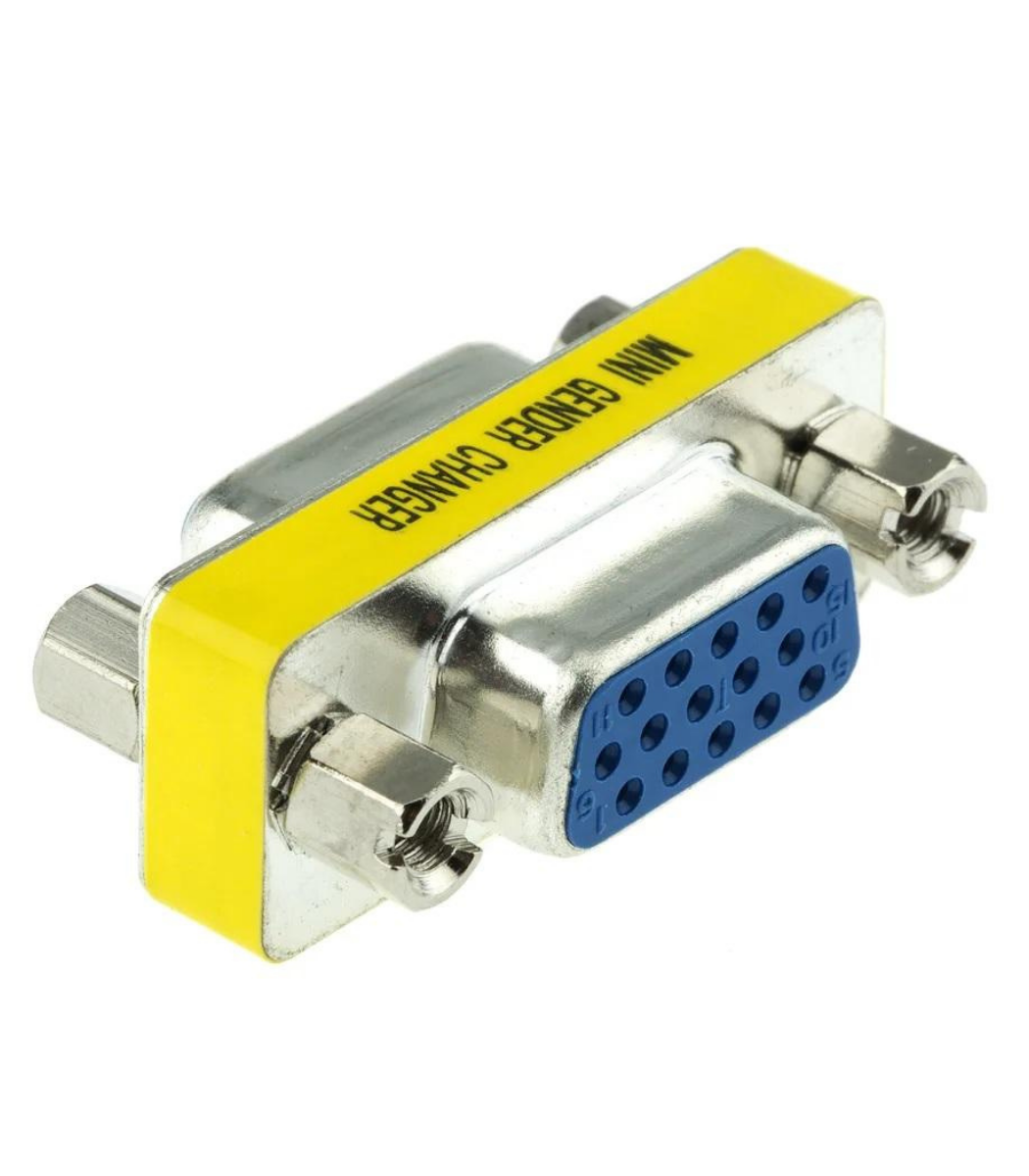
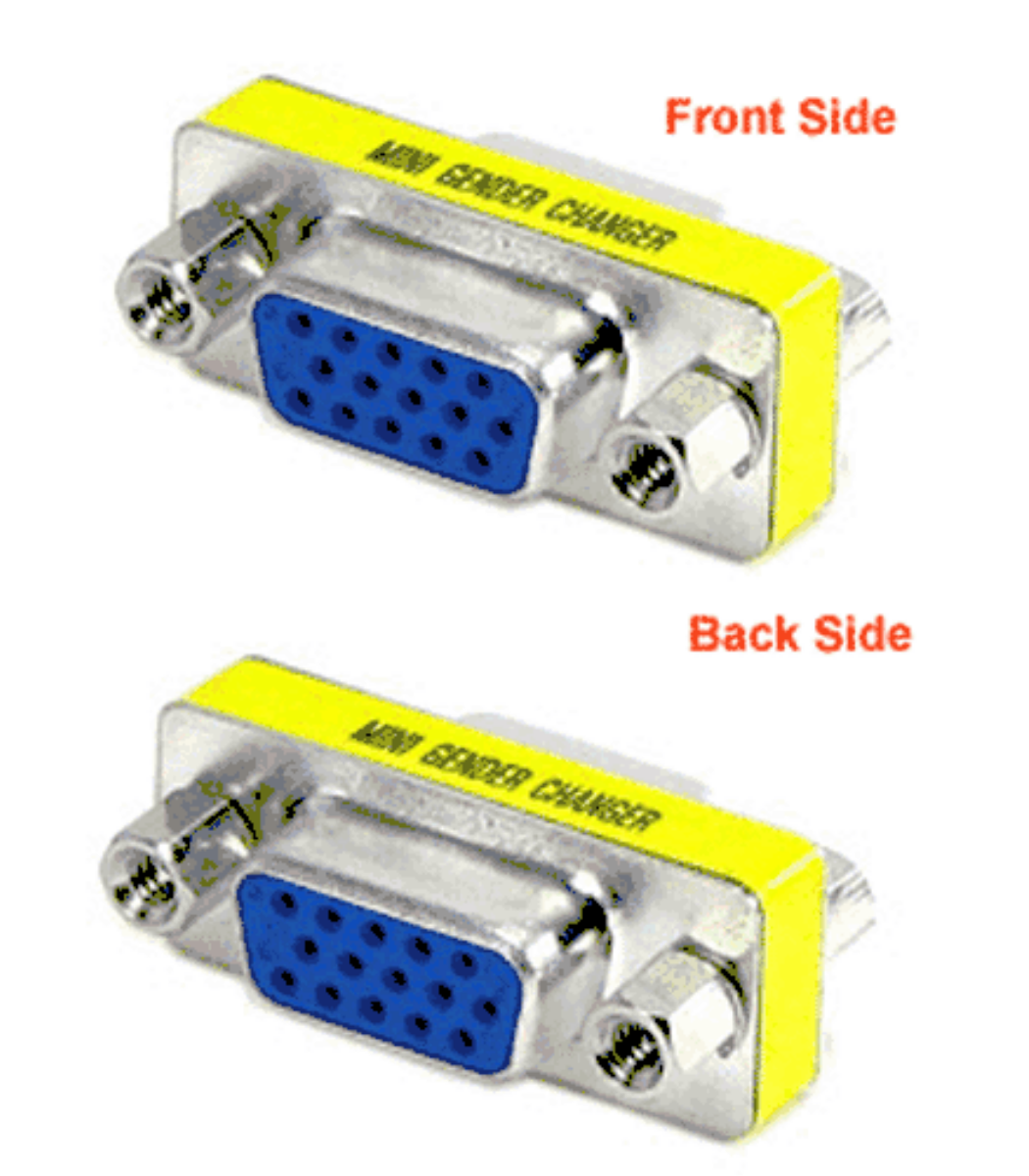
VGA Female To Female Joinder 15 Pin
- Connectors: 2 x HD15-Pin Female
- RoHS Compliant

VGA to Audio Video Conversion Box
- VGA to Audio Video Conversion Box for enhanced display connectivity
- Connect VGA sources to audio and video displays with ease
- Supports various resolutions for crisp and clear visuals
- Compact and easy-to-use design for versatile applications
- Ideal for presentations, home theaters, and professional setups


Reviews
There are no reviews yet.